Lesson letter
Classquest duration: 45 minutes
Target audience: Ages from 8 to 12
In this class quest Sanne and André explain to the students what the internet is by sending a message. André shows how that message has to travel all over the world via the internet to reach someone else. Together with the students, they go through the steps that make a message over the internet.
Learning goals
Students learn…
- That the Internet is a network of connections between computers. These computers are connected by cables.
- That their own devices, in order to use the Internet, connect to servers through an Internet service provider.
- Understand how you can send a message to someone via the internet and that this message then travels all over the world.
Link to DigComp*
- D3 content creation
- D5 problem identification and solving
*DigComp (the Digital Competence Framework for Citizens) is an EU framework that describes the digital skills people need to use technology confidently, safely, and responsibly. For primary school teachers, it provides a clear reference for helping children learn basic skills such as finding information online, creating simple digital content, staying safe on the internet, and behaving respectfully in digital environments. DigComp supports a shared European understanding of what “being digitally competent” means at different ages.
Necessities
- Interactive board
- Create an account here in advance. If you want to practice a quest beforehand, click ‘practice’ at the start. This takes about half an hour.
Glossary
- Internet: a global public network of computers interacting with each other.
- Servers: a central computer that controls all other computers in the network, such as a server of a messaging application.
- Internet provider: the organization that provides a user's connection to the Internet. It is a kind of digital door to the internet.
- www: World Wide Web, an interconnected system of public web pages accessible through the Internet.
- IP address: the unique number of your computer that is connected to the internet.
The lesson
Introduction - 10 min
Explain to the students that you are going to talk about the internet and what it exactly is , and add that you are going to play a game about it together. Everyone uses it every day, in the classroom too, but what exactly is 'the internet'? What does it look like? How is it possible you can send a message to someone on the other side of the world? And how is it possible that message arrives within a few seconds?
Introduction questions
- At what time do you use the internet for the first time in a day? And what do you do then? (watch a movie, read messages, watch the news?)
- Who among you has already looked at their smartphone before you came to school?
- What would your day be like without the internet? Pay close attention to whether the things that students mention really can be done without the internet!
- How would you feel if you had to live without the internet?
Short activity
Have students individually draw a picture of what they think happens when they send a message over the internet to someone on the other side of the world. Where does the message come from and how does it travel to the other side of the world? Then tell them they will discover all this in the quest. So they can then see if they got it right.
Core - 30 min
Start the quest on the interactive board. Inform the class you are now going to start the game and
discuss rules that suit your class when you play a game on the interactive board as a class.
How do I make the lesson more interactive?
- At the beginning of the quest, the name of the game ("HackShield") is shown step by step. You can choose to discuss these words one by one with the class. Some students may already recognize the words from English.
- What is "hack"? (this comes from hacking, breaking into someone's computer)
- What is "Shield"? (this is an invisible shield to protect yourself online)
- What is Future Cyber Heroes? (these are the heroes we make of the children to protect themselves and their environment online)
- During the quest choices will have to be made. You can choose to use an active work form. For example: If you think we should go right, you can stand. If you think we should go straight ahead, you can stay in your seat. And if you think we should go left, you can sit on the floor.
Class activities in the quest
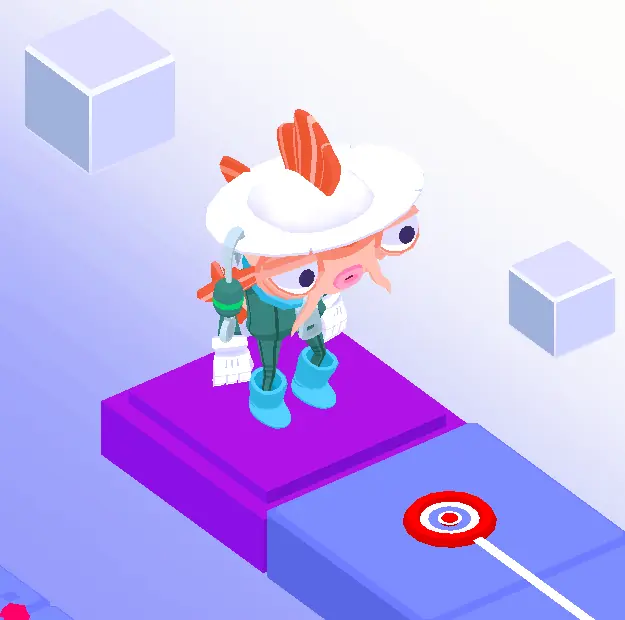
As a teacher, you can choose whether you want to do the activities (during the quest). You can of course also discuss the questions at another time!
The following questions are offered as classroom activities by Koi (see illustration):
- Which app (message service) do you use to send messages? Discuss them with each other. Possible Answers: Whatsapp, Telegram, Instagram, Snapchat, Facebook
- Do you know examples of providers? Write down as many examples as possible with your neighbor. Possible answers: Local providers (research them)
- Why are we in America? Would your message also go to America first if you send a message to someone in the Netherlands? Have a discussion with each other. Answer: The message server is located in America, so even if you send a message to the Netherlands, it first goes through the message server in the US. A server processes the secret code of numbers into a text message.
- Discuss with the class if you still remember which steps those were. Write them on the board and check if it is correct as you proceed. Answer: first to the provider, then decode the IP address and then to the recipient.
Puzzles and Energizers
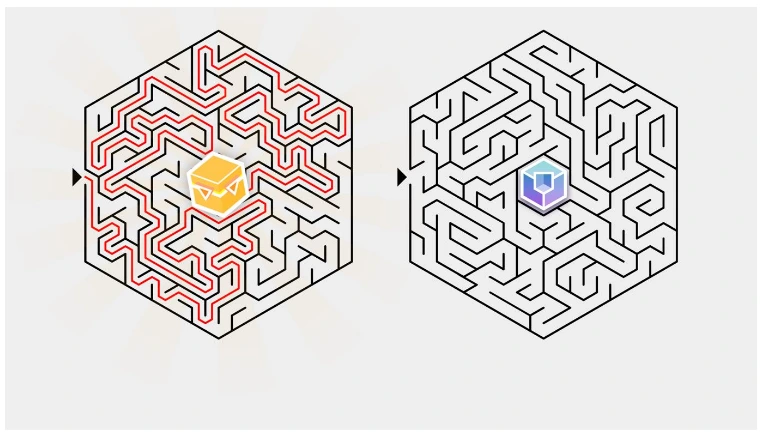
In addition to the class activities, each class quest includes at least one puzzle and energizer. The puzzle from this quest can be found in the appendix.
The energizer in this quest is “The Whispering Game.” In the quest, you are guided step by step through the rules of this game. But you can also read them here:
Sit in a circle. The first student thinks of a sentence and whispers it into the ear of the student next to them (only once!). The next student whispers the sentence into the ear of the next person, and so on, until the sentence goes all the way around the circle. The last person in the circle says aloud what they heard. It’s often very different from the original sentence! Click through when you’re done.
Closing - 10 min
Have you clicked the last purple Query? Ask the students what they have learned. Are they now able to say something more about the route of a message (when you send it to the other side of the world through the internet)?
Final questions
- How many kilometers of cable do you think there are? Answer: There is a total of 1.6 million kilometers of telecom cable underground. This is equal to 40 orbits around the world! Through this link you can see how those cables are laid, including under seas, and you can also see exactly how long each cable is by clicking on it. https://www.submarinecablemap.com/
- Why is the Internet a network of connections between computers? Answer: Because it is physically impossible to stretch a cable between all the people around the world.
- What do providers do? Answer: A provider gives you access to the internet. You can see it as a gateway to the world wide web.
- Why does a message first go through a server and then to someone else's mobile phone? Answer: Because the servers are constantly connected to the internet, your own device only through your provider.
- Are computers all connected by cables? Short answer: All computers are connected to a central point, which can also be wireless.
More elaborate addition: Some connections can be made thanks to wireless devices. This can only be done at a short distance, because the technology which is needed for a wireless connection is too expensive to use everywhere.
Tips
- To add a dynamic touch, consider having students take turns reading the text, making the experience even more engaging.
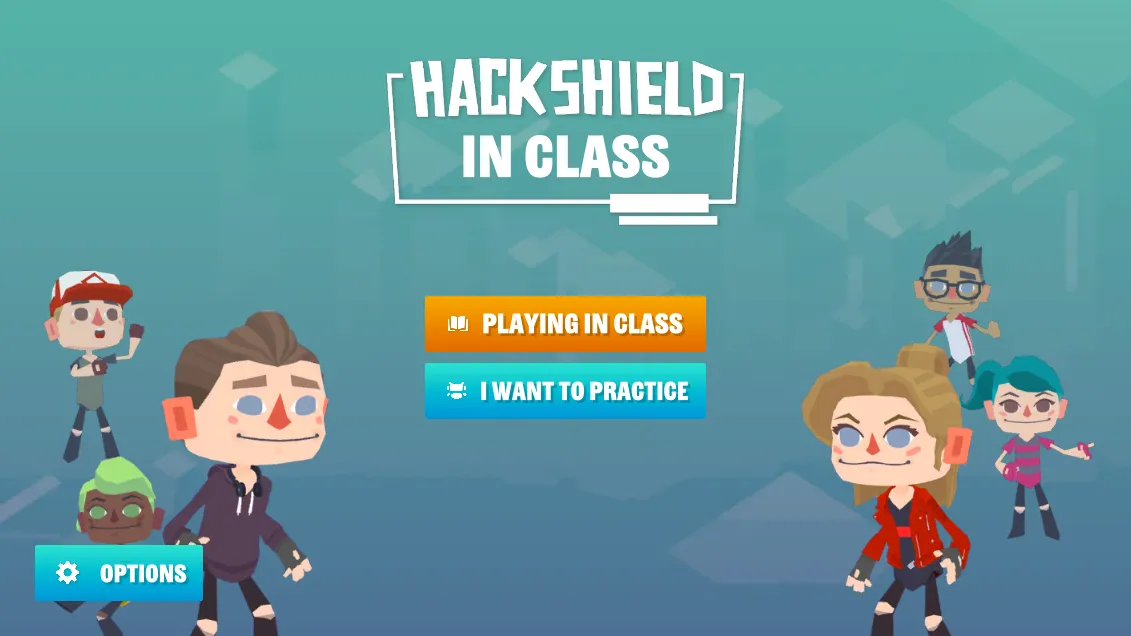
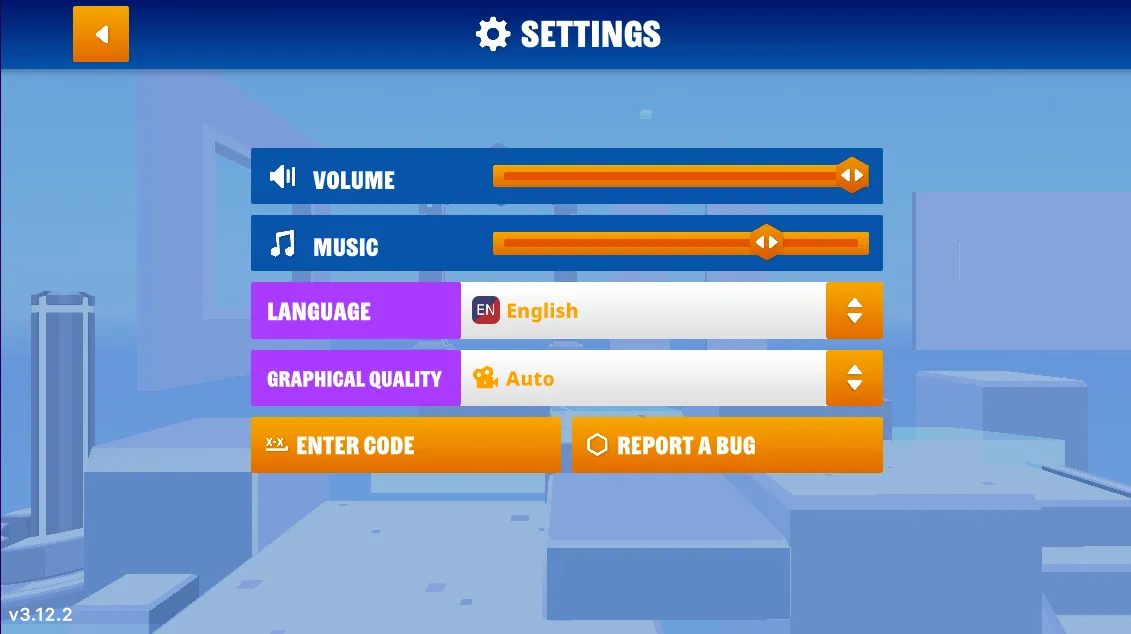
- If you prefer a silent quest, you have the option to turn off the sound. Simply navigate to the game's options menu, and you'll find the accompanying images on the right.
- Now, let's dive into the heart of our quest! Navigate to the game’s options menu where you can turn off the music.
Learn more
- Video - BBC Learning: What Is The Internet?
- Video - Peekaboo Kidz: How The Internet Works?
Appendix
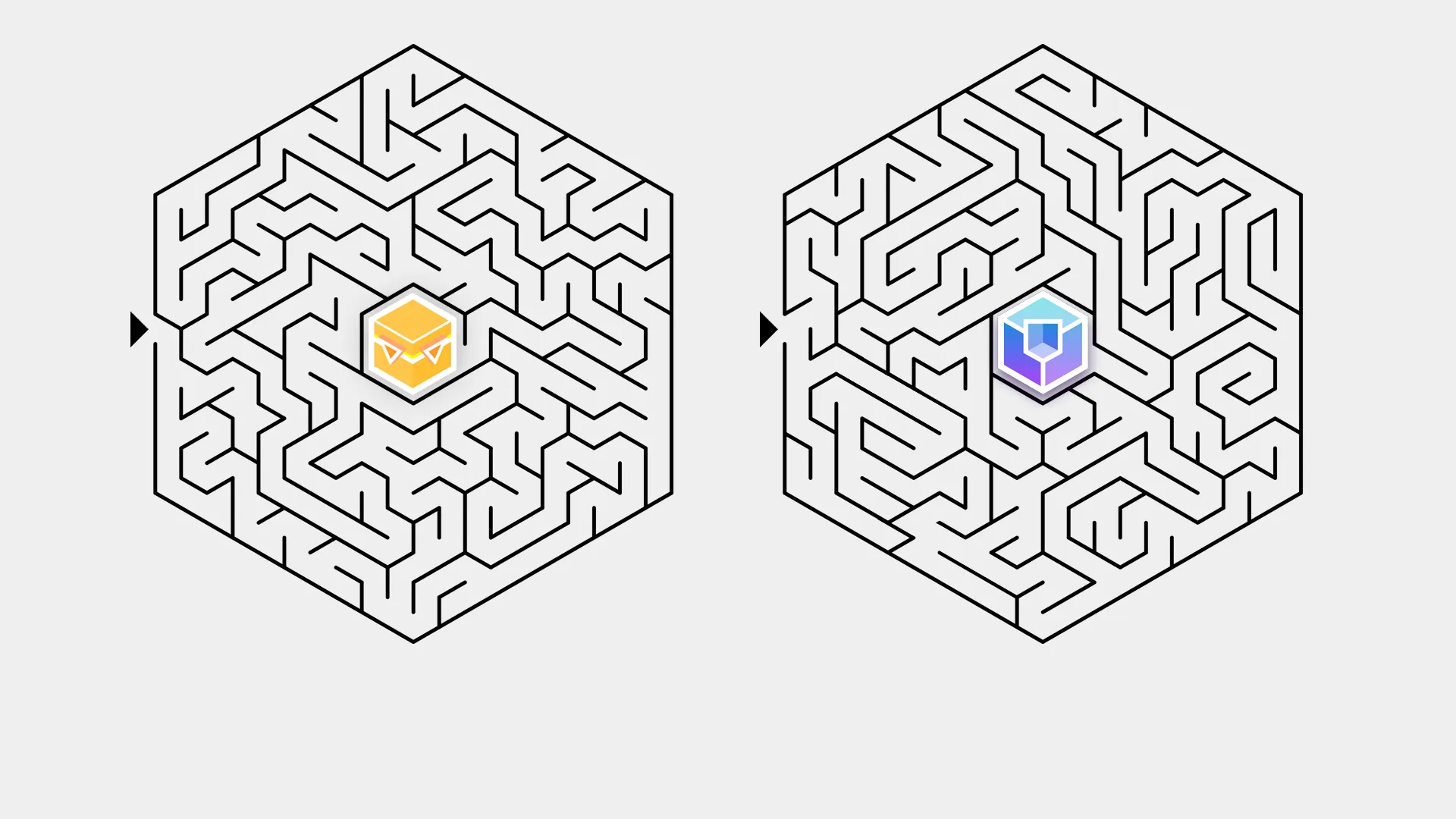
Solution: