
In class
Digital citizenship is becoming increasingly important. With growing challenges like disinformation, cyberbullying and phishing, digital skills are needed more than ever. But how and when do you teach about them?
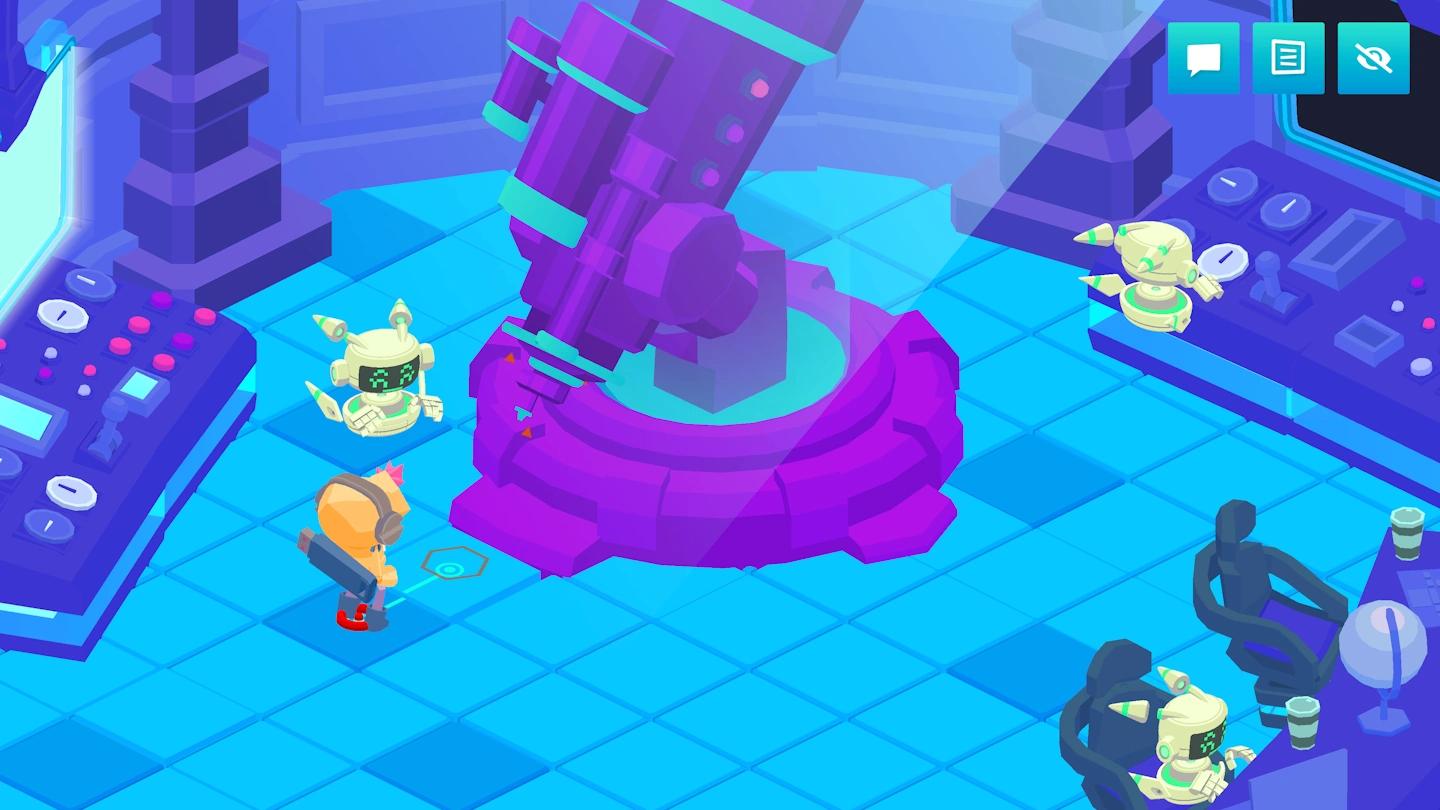
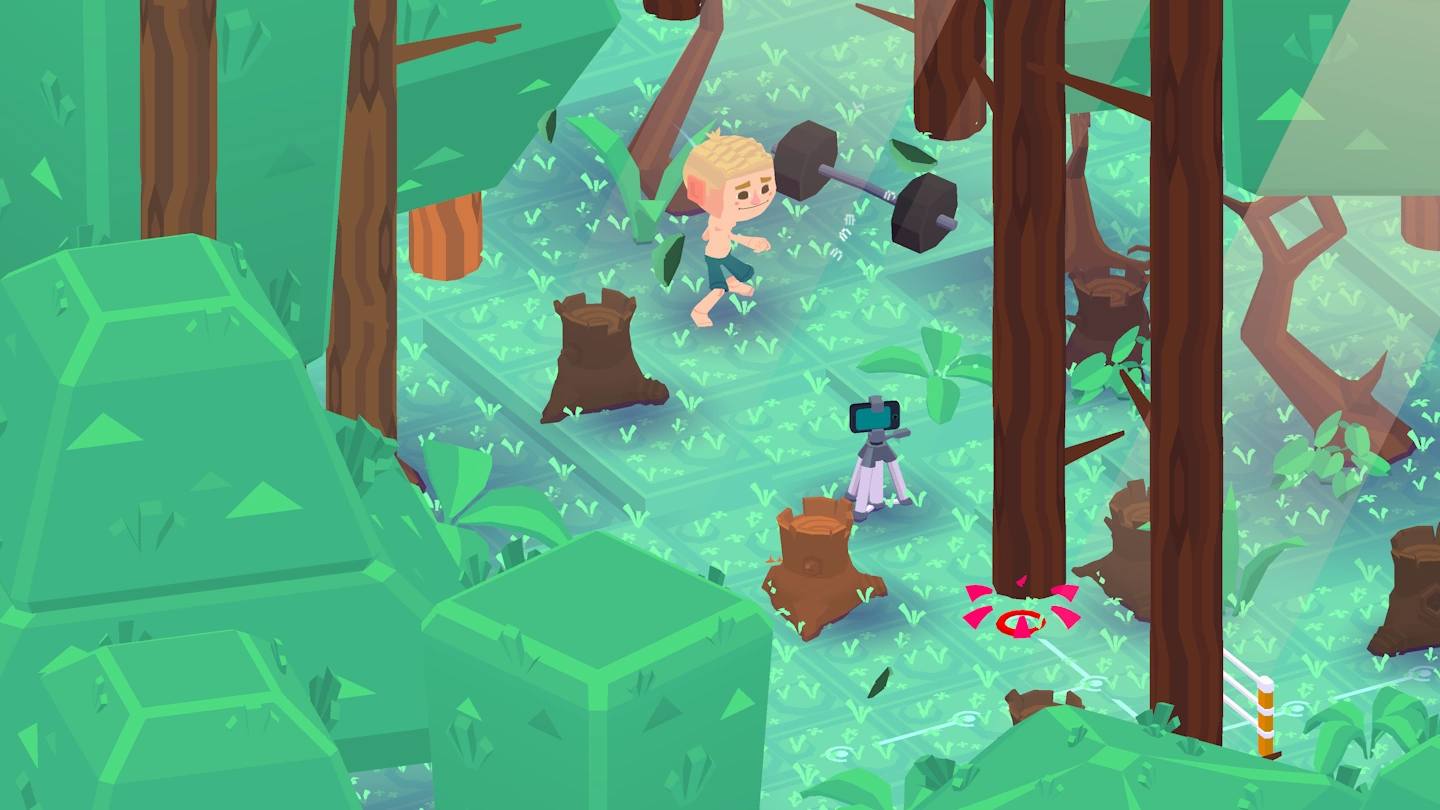
HackShield in Class teaches kids about digital literacy and digital citizenship through classquests in a playful way. We offer a curriculum that includes:
- Free lessons of 30-45 minutes, each covering a different cyber safety theme
- Interactive stories that playfully address digitalization
- A ready-to-use lesson package, including lesson plans and an optional yearly schedule
- Flexible start options, allowing you to begin at your own pace with just one lesson (or invite a guest teacher!)
- A pre-written letter for parents, enabling students to continue learning at home

Frequently Asked Questions
Do you have any more questions about HackShield in Class, or any other question about HackShield? These Frequently Asked Questions may answer those! If your question isn’t in these, you can contact us by sending an email to [email protected].
What is the difference between hackshieldgame.com and joinhackshield.com?
HackShield has an individual game and a teaching package (HackShield in the Classroom) that can be discussed in class. The individual game, i.e. the game that students can use themselves, can be played at www.hackshieldgame.com. HackShield in the Classroom, the teaching package, can be found at www.joinhackshield.com.
How do I add students?
After playing a (classical) class quest at www.joinhackshield.com/en/indeklas you will receive a code. Students can complete this in their own account, which they create at www.hackshieldgame.com. They will then receive an additional Shield and points for their individual account and will be linked to your account. This way you can track their scores and monitor the class score list.
How can my students create an account and join my class?
Create a HackShield account
- Go to www.hackshieldgame.com or open the game in the HackShield app
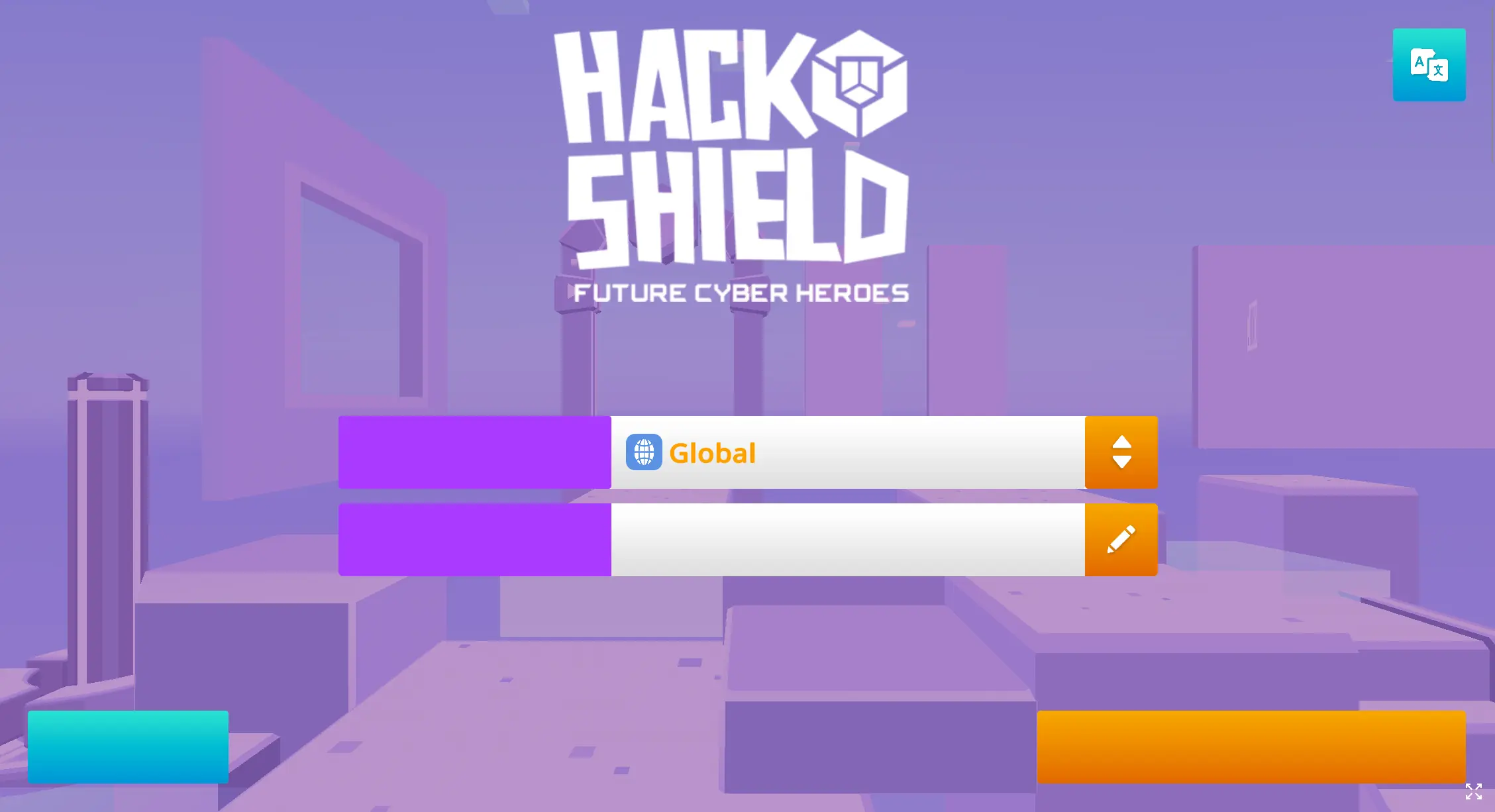
- Choose a region and player name (see screenshot). Tip: make sure this is a different name than your own first/surname, then they will remain anonymous.
- Click the "Start New Adventure" button.
- Done! You can get started!
How to fill in a code
1
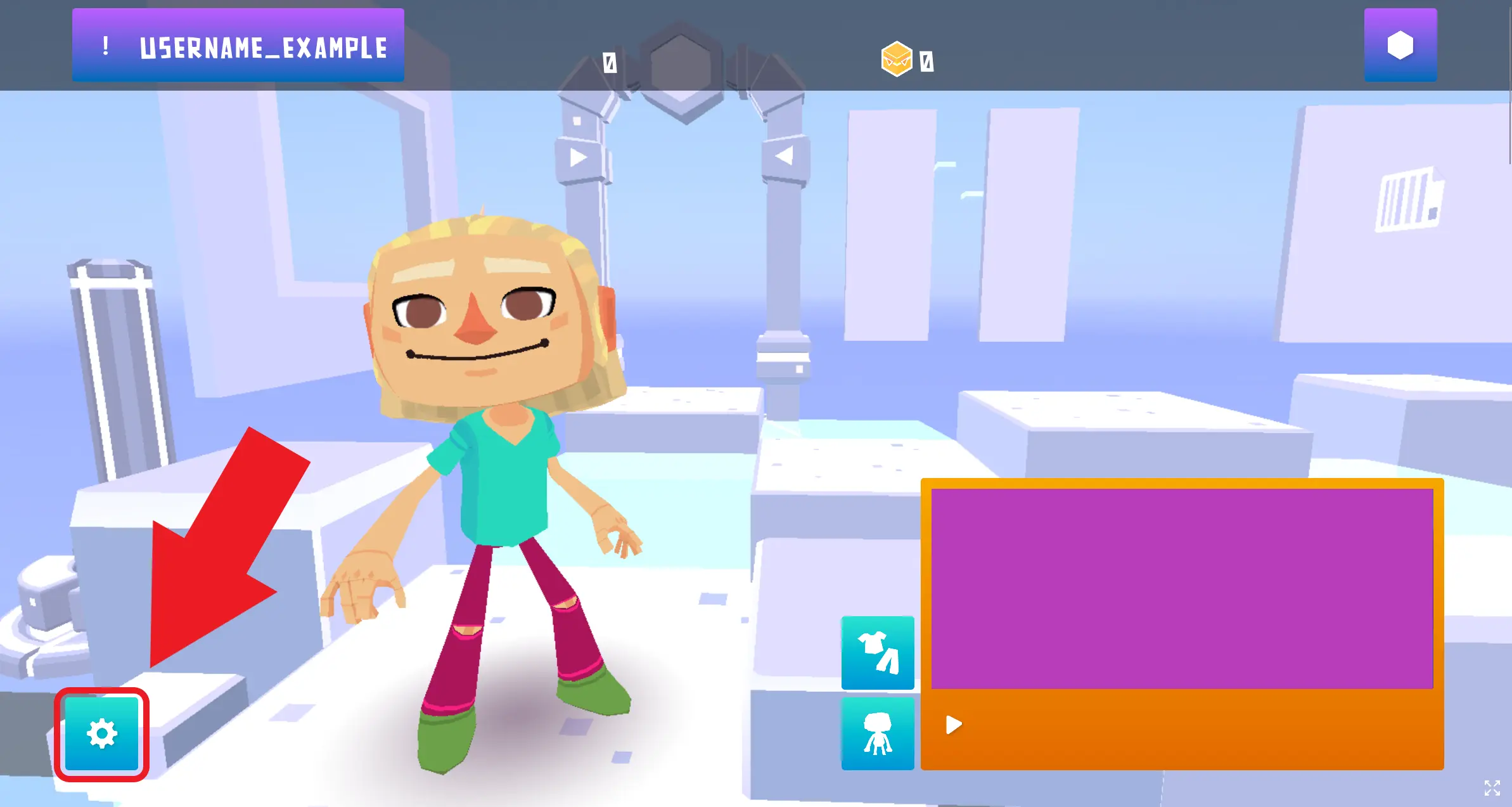
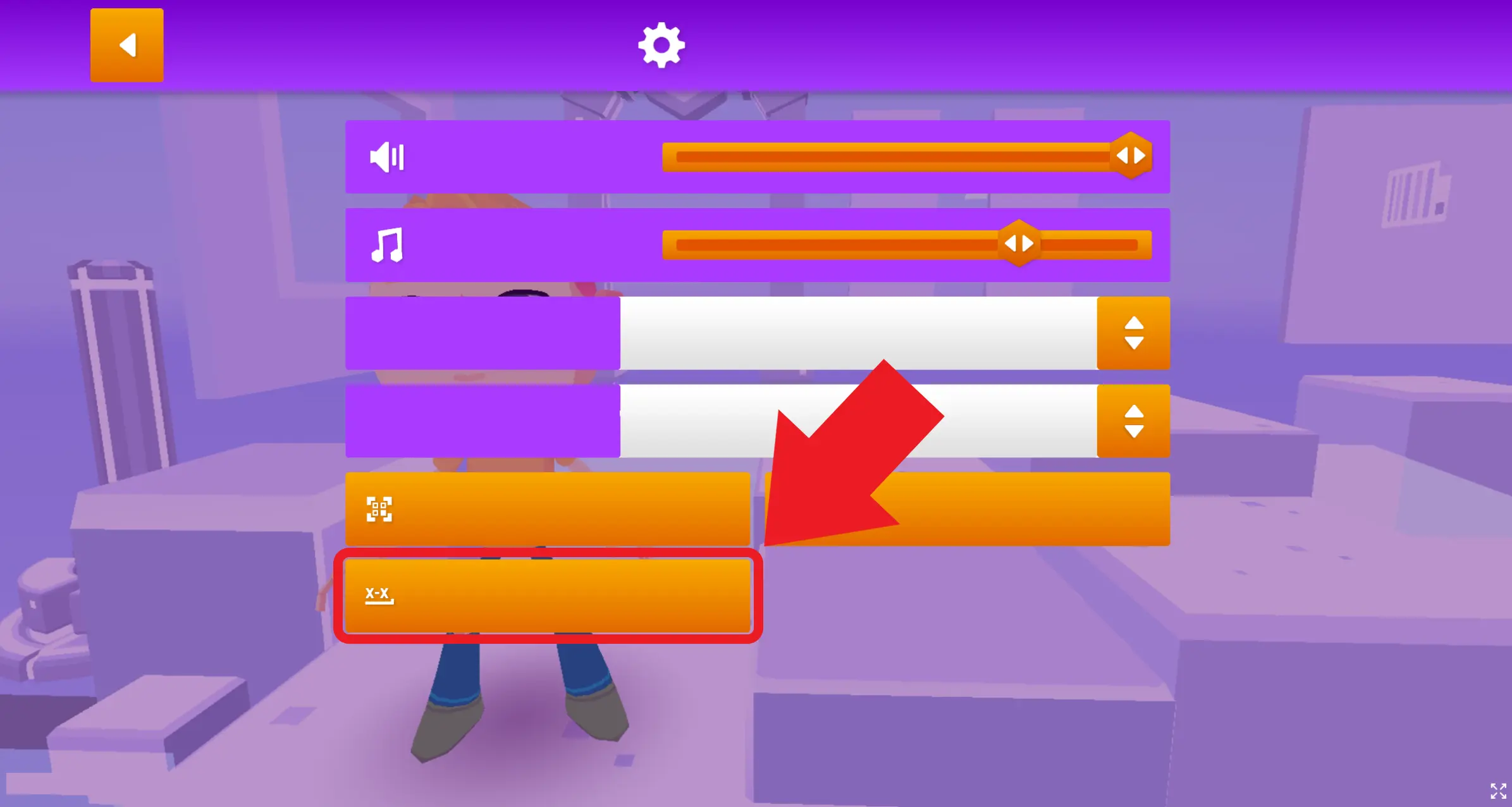
Inside Hackshield the game, click the settings button in the bottom left.
2
Once inside the settings menu, click the button shown in the image below.
3
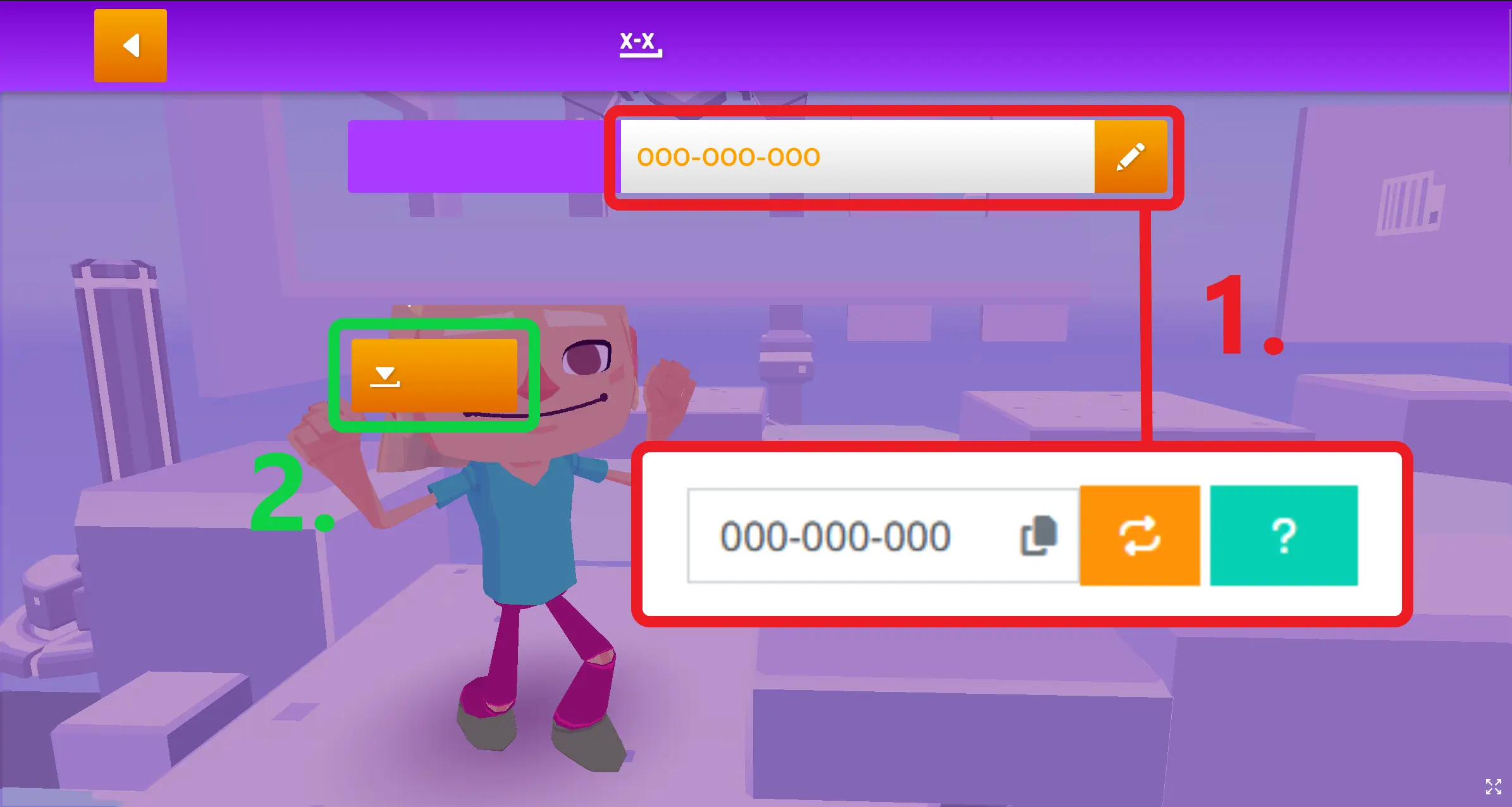
Fill in the code.
How can I create a class to track my students or join a competition?
To follow your student's progress or join a competition, you'll have to register your class on this website.
- Go to your profile
- Click on "Manage my classes"
- Create a new class or rename your default class
- Click on the name of your class to open it
- Follow the instructions to add kids to your class.
How can my students earn points and what are they for?
With the class quest, points can be earned for the game. Individually, but also in class. The points the students, who are trained as Cyber Agents through HackShield, collect determine their place in the Honour Roll. The best Cyber Agents stand a chance to win exclusive HackShield prizes or even be honoured by the mayor and/or police.
After completing each class quest, which can only be played through a Teacher's Account, you as a teacher will receive a code. The students can enter this code in their individual account, after which they receive points and a Shield. These are reflected in their HackShield account.
What does HackShield (in Class) cost?
HackShield is free to play for all kids. HackShield in Class is available for all schools to use - for free!
What tools and materials do I need to use HackShield in Class?
With only a digital schoolboard you can play the Class Quests. If you don’t have a digital schoolboard, it is also possible for students to complete these missions in small groups on a tablet or computer.
Can I skip a Class Quest and teach it another time?
Yes, that is possible. This way you always can reach out to the available lessons when cyber crime topics are, for example, a hot topic in the current news.
I have a student who is a Cyber Agent, do I have an advantage?
You sure do! You have someone who can tell you about HackShield, the internet and online safety. If there are students in your class who are already Cyber Agents, you can assign them to tell the rest of the group what it is like to be a Cyber Agent, to trigger the others' enthusiasm and curiosity.
The school district is affiliated with HackShield, what do I notice?
If your municipality is affiliated with HackShield, Cyber Agents are honoured annually by the mayor and police. Perhaps a student in your class has been honoured as a Cyber Agent or you are made aware of HackShield through the local press or communication channels of the municipality.
My municipality is not yet affiliated with HackShield, can I join?
HackShield is currently working with over 100 municipalities throughout the Netherlands. Even if your school's municipality is not connected you can use HackShield in Class for free. Of course, you can alert the municipality to HackShield so that they too can enlist the help of the Cyber Agents!
How do I know when there is a new Class Quest available?
When we launch a new quest, we will send you an e-mail with an update, via the teacher account you are registered with. Every month at least, a new quest will come available!