Lesson letter
Classquest duration: 45 minutes
Target audience: Ages from 8 to 12
In this class quest, students find out that there are lots of fun things to do in the online world and lots of opportunities to grab. But how do you do that? And what are those cool things? However, there are also dangers lurking. So how do you deal with them and who can help you?
These are the topics the students are going to talk to each other about. They're going to create a sample passport where they write/draw all these things in, so they have a good idea of what they're going to be working on as they dive further into the HackShield world.
It is an introduction to the other class quests and the individual game.
Learning goals
Students…
- know that the online world offers many opportunities and how to seize them.
- know that the online world also has dangers and how to deal with them.
- know what HackShield is for.
- know what a Cyber Agent is and does.
- can proceed individually with HackShield.
- know that there are more classes like this one on specific cyber topics.
- are excited about the online world and HackShield.
Link to DigComp*
- D2 communication and collaboration
- D3 content creation
- D4 safety, wellbeing, and responsible use
- D5 problem identification and solving
*DigComp (the Digital Competence Framework for Citizens) is an EU framework that describes the digital skills people need to use technology confidently, safely, and responsibly. For primary school teachers, it provides a clear reference for helping children learn basic skills such as finding information online, creating simple digital content, staying safe on the internet, and behaving respectfully in digital environments. DigComp supports a shared European understanding of what “being digitally competent” means at different ages.
Necessities
- Interactive board
- Create an account here in advance. If you want to practice a quest beforehand, click ‘practice’ at the start. This takes about half an hour.
Glossary
- Cyber Agent: cyber is a word that indicates something online or on the computer is about. If you play HackShield you can become a Cyber Agent. Cyber Agents seize the opportunities and fight the dangers of the digital world!
- Game Hall: a game hall is a location where people can gather to play video games.
- Disinformation: disinformation the intentional creation and dissemination of untrue or misleading information. You know when you spread it that it is not true, but do it anyway to make money out of it or harm a group person or country with it.
The lesson
Introduction - 10 min
Tell your students that today, you are talking about all that is possible in the online world.
The digital world is full of opportunities. There are cool games to play, you can talk to people on the other side of the world and much more. Today we are going to play HackShield, a game that helps us become Cyber Agents. Cyber Agents take the opportunities of the digital world and fight against evil!
Introduction Questions
- What do you enjoy doing most online?
- What new things have you learned from using the Internet?
- What kind of online games do you prefer to play, and why do you like them so much?
- Have you ever done anything online that you later applied in real life?
- Are there any online tools you have used to make your schoolwork easier or more fun?
Core - 30 min
Start the quest on the IWB. Indicate that you will now start the game and discuss rules appropriate for your class when playing a game on the IWB.
In the quest, Query takes you through the story. This is described in text. You can choose to have children take turns reading the text.
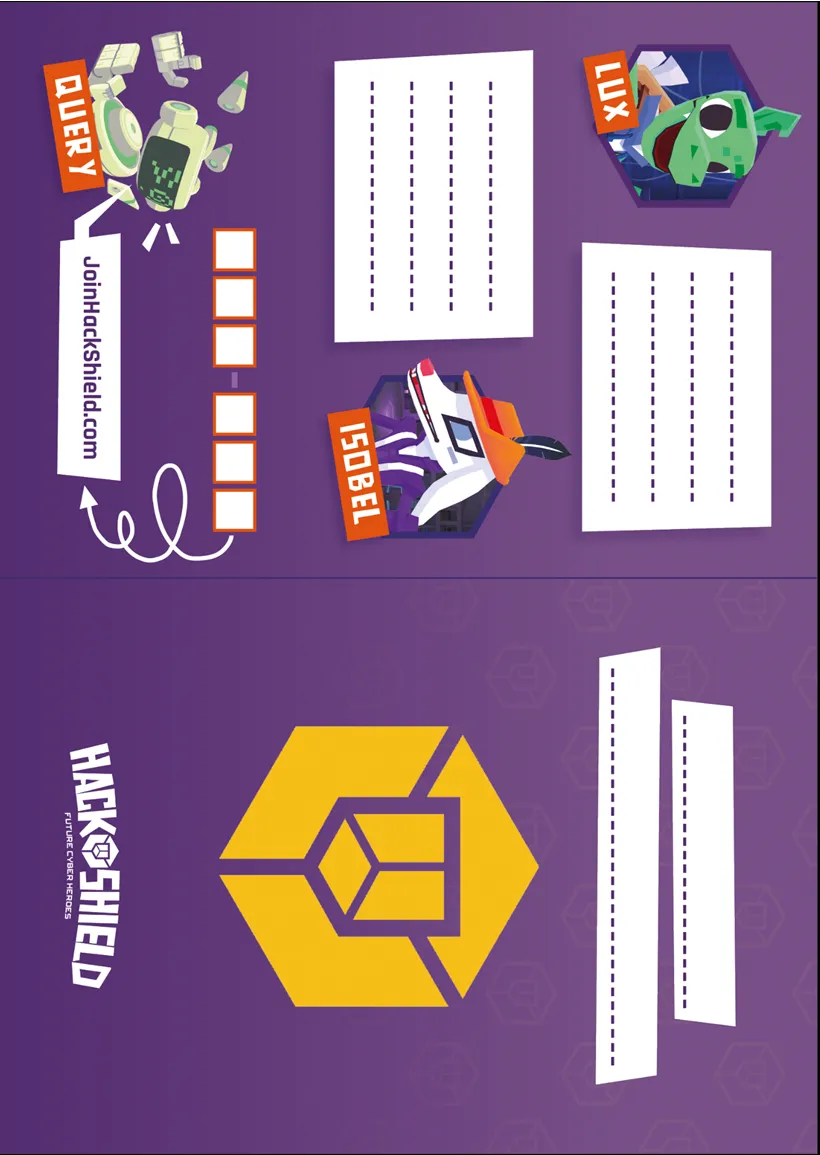
Students should create a sample passport in the quest. They can make the passport themselves with a blank A4 sheet, but you can also print out our design of it (see Appendix) and start working with that. In that case, pay attention to the text and adapt it, because in it we assume that a blank A4 sheet is used.
There will be 5 writing/drawing assignments during the playing of the quest, where students are allowed to deliberate. They are given 5 minutes for each of these assignments.
Closing - 10 min
Closing questions
- Did you discover/learn anything during this lesson that you would like to share with others?
- If you were in charge of the Internet for a day, what would you change or add?
- What online activity would you recommend to your friends and why?
- What did you enjoy most about discussing the opportunities the online world offers?
- Do you have any questions about the online world or are there specific things you would like to know more about?
Tips
- To add a dynamic touch, consider having students take turns reading the text, making the experience even more engaging.
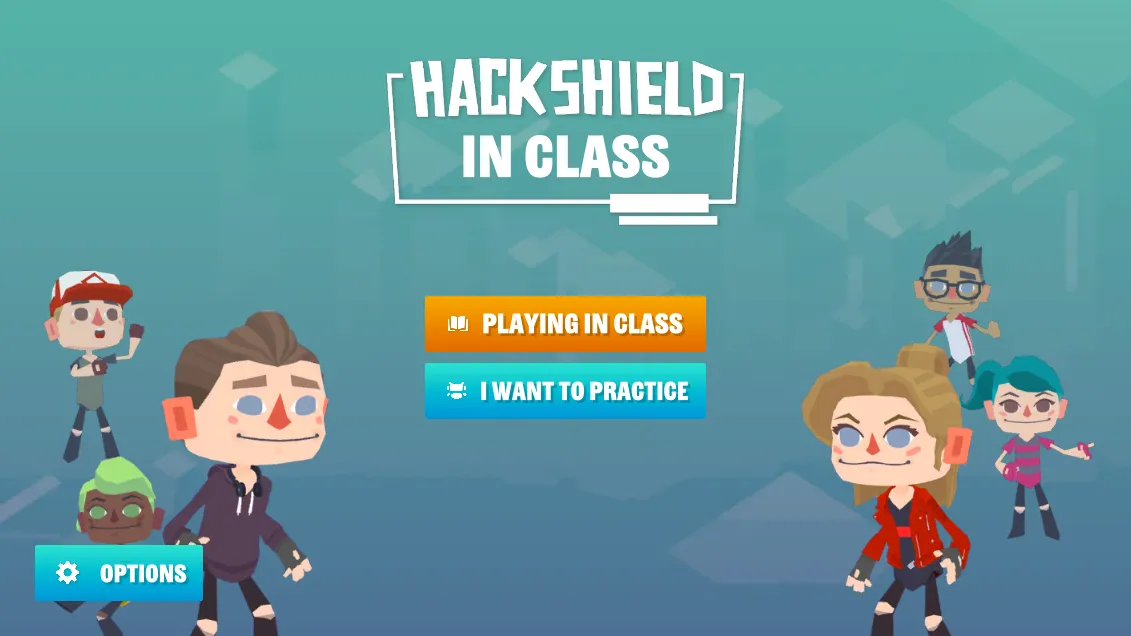
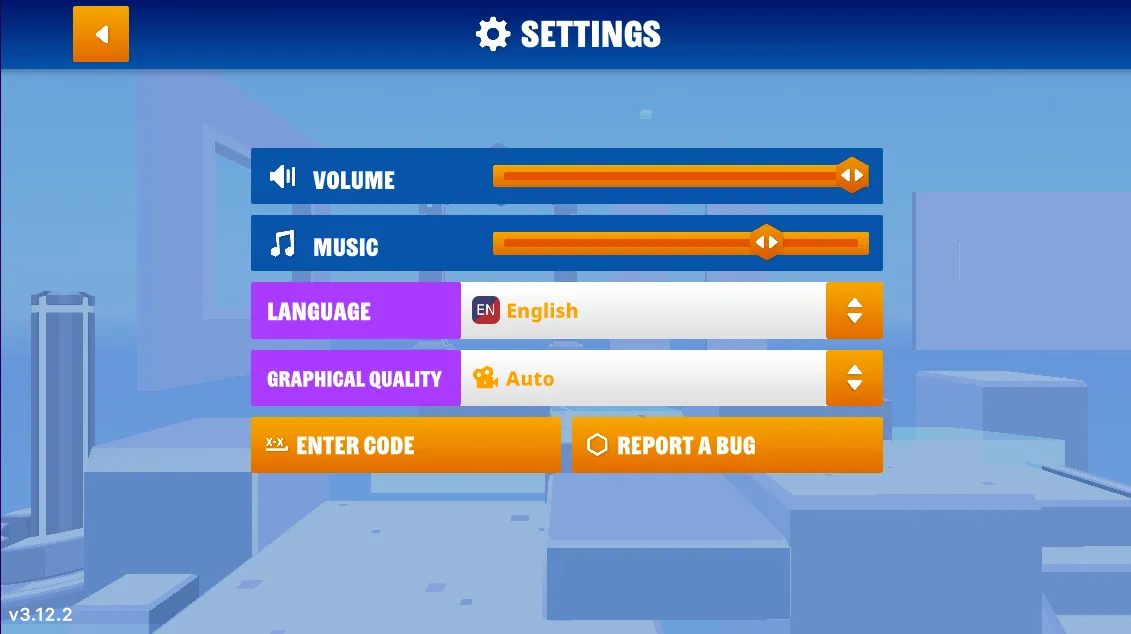
- If you prefer a silent quest, you have the option to turn off the sound. Simply navigate to the game's options menu, and you'll find the accompanying images on the right.
- Now, let's dive into the heart of our quest! Navigate to the game’s options menu where you can turn off the music.
Learn more
Videos are coming soon
Appendix