
Lesson letter
Classquest duration: 45 minutes
Target audience: Ages from 8 to 12
In this class quest the students will find out what phishing is and how they can recognize it. Criminals, for example, pretend to be a bank, school, or insurance company and then ask for personal information. Other forms of phishing are an email stating that the recipient has won a prize, or a WhatsApp message that tells the reader that the reader will receive a large inheritance from grandma.In this lesson, students are given tools with which they learn to look critically at their messages. For example, there are often small errors in the message, for example spelling errors or an error in the URL such as .nnl instead of .nl.
The Phishing Lynx explains the tricks hackers use to trick their victims into something. That way the Cyber Agents won't stink next time!
Learning goals
Students learn...
- what phishing is.
- how to recognize phishing.
- what to do when dealing with phishing.
Link to DigComp*
- D4 safety, wellbeing, and responsible use
*DigComp (the Digital Competence Framework for Citizens) is an EU framework that describes the digital skills people need to use technology confidently, safely, and responsibly. For primary school teachers, it provides a clear reference for helping children learn basic skills such as finding information online, creating simple digital content, staying safe on the internet, and behaving respectfully in digital environments. DigComp supports a shared European understanding of what “being digitally competent” means at different ages.
Necessities
- Interactive board
- Create an account here in advance. If you want to practice a quest beforehand, click ‘practice’ at the start. This takes about half an hour.
Glossary
- Personal data: data which can be directly traced back to you as a person. Think of your name, address or place of residence, but also your telephone number, zip code or names of your family or pets.
- Phishing (message): phishing is a form of online stealing, and as such a cyber crime. Phishing is when a criminal sends you a message to retrieve login details, bank details or other personal information. “Phishing” comes from the English word “Fishing”. In this case, criminals are fishing for your online personal information. Fun fact: In the 1980s, many hackers used the “ph” instead of an “f”. So “Fishing” became “Phishing”.
The lesson
Introduction - 10 min
Explain to the students you are going to talk about the term Phishing, what it is exactly, and you will play a game about it together.
Together with everyone on the internet, we spend so much time online! More and more communication is done online and we also share a lot of links (URLs), images and other messages with each other. Accidents happen easily. How often does it actually happen that you just click on something without checking if it is safe? Just because you already click, type, swipe and scroll so much.
Introduction questions
- How often do you click on a link without thinking about the security of it? Does this ever happen?
- What did you do when this happened?
- Can we think of situations together where you might click on something? (for example: you are in a hurry, you want to send something quickly or you have cold fingers.)
Optional
Students make a phishing message in groups (or simply draw/write it on a piece of paper). Students can take this home and show it as an example at home so they never have to fall for it again!
Core - 30 min
Start the quest on the interactive board. Inform the class you are now going to start the game and discuss rules that suit your class when you play a game on the interactive board as a class.
How do I make the lesson more interactive?
- In the quest, Sanne and André tell all kinds of things about the Internet. This is described in text. You can choose to have children read the text of a specific character (for example, child x reads the text of André and child y reads the text of Sanne).
- During the quest choices will have to be made. You may choose to use an active form of work in doing so. For example: If you think we should go right, you may stand. If you think we should go straight, you may stay in your seat. And if you think we should go left, you may sit on the floor.
- Do the class activities!
Class activities in the quest
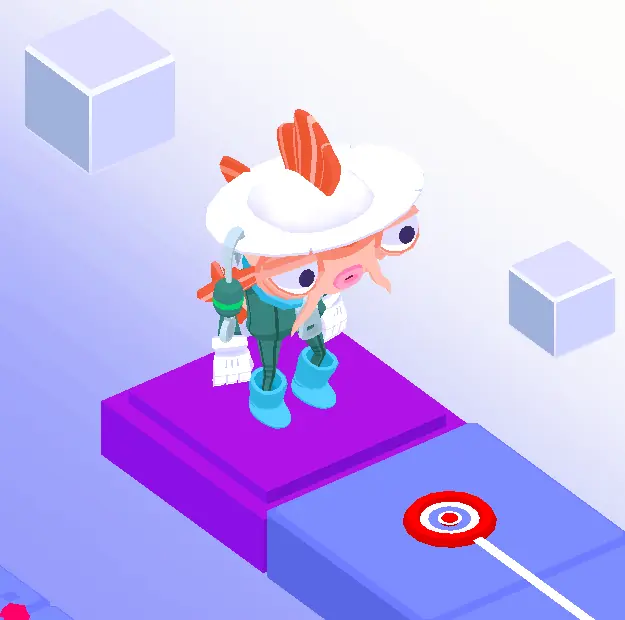
As a teacher, you can choose whether you want to do the activities (during the quest). You can of course also discuss the questions at another time!
The following questions are offered as classroom activities by Koi (see illustration):
- Have you or someone close to you ever received a phishing message? What did you do then?
- Can you also receive phishing by mail?
- Yes, you can! For example, fake letters from the bank.
Closing - 10 min
Ask the students what they have learned.
Final questions
How do you recognize phishing?
Possible answers:
- You can recognize unusual things by reading carefully.
- Keep an eye out for spelling mistakes.
- Phishing messages often start impersonally.
- You often have to do something “FAST”.
- You often have to click on something or download something.
- There are suspicious sentences in it.
- It's an unusual e-mail address or an e-mail address with spelling errors.
- Companies NEVER use @hotmail.com, @gmail.com, @outlook.com or @msn.com
- Link shorteners are used such as T.co, bit.ly and Goo.gl.
- It says: "Click here to login" - Never do this. Hackers copy websites. Go to the correct URL yourself and log in.
- There are strange words in the links.
- Do they speak, or use, a different language?
- By a foreign phone number being used.
There are a number of suspicious phrases that hackers often use. Which one do you know?
Possible answers:
- We are working on a security update, check your details
- I work at the bank, can I check your details?
- You have won a prize
- Your account has been blocked
- The settings for your internet banking are not correct
- You receive an inheritance from an uncle you do not know
- Transfer money and earn even more money
- Forward this message to as many people as possible
- The postman has tried to parcel to be delivered, but no one was home
Tips
- To add a dynamic touch, consider having students take turns reading the text, making the experience even more engaging.
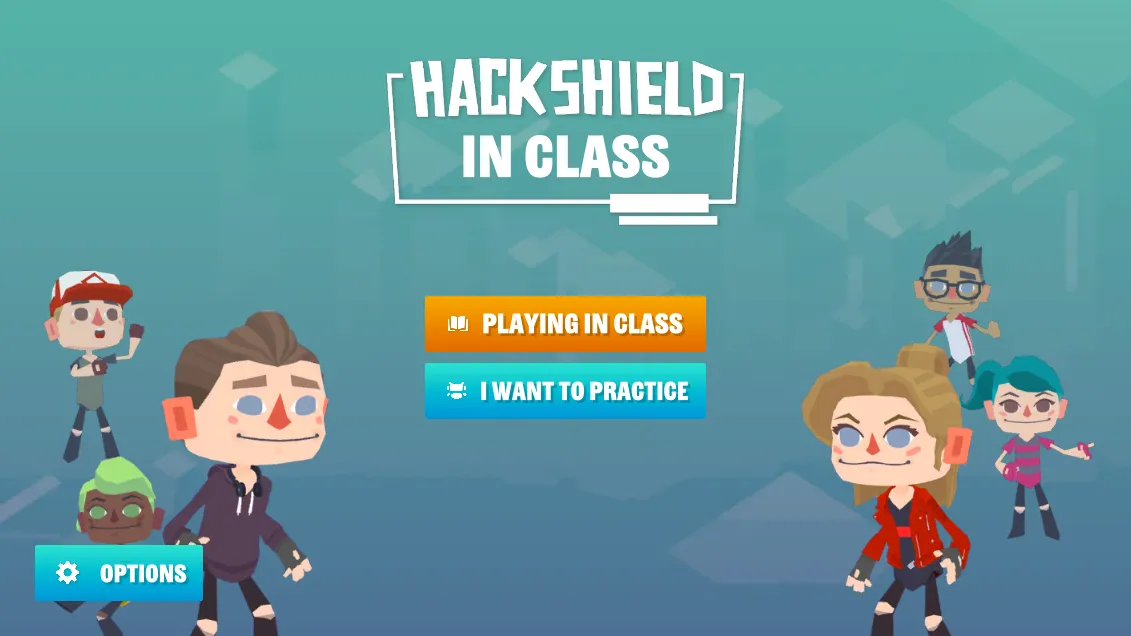
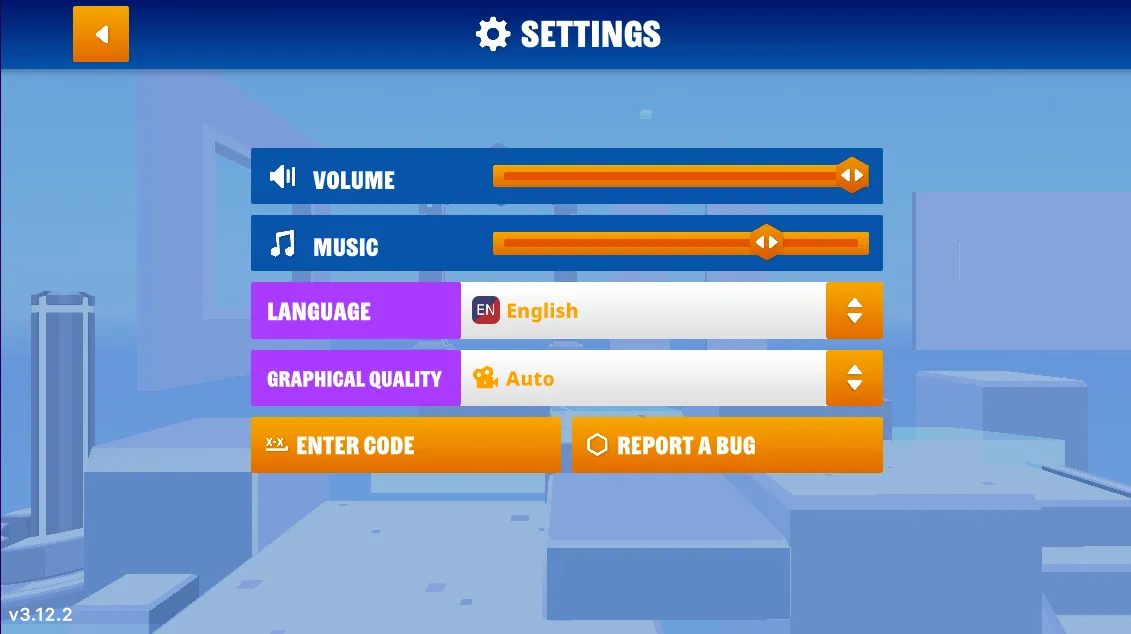
- If you prefer a silent quest, you have the option to turn off the sound. Simply navigate to the game's options menu, and you'll find the accompanying images on the right.
- Now, let's dive into the heart of our quest! Navigate to the game’s options menu where you can turn off the music.
Learn more
- Video - Topic Simple: What is Phishing?
- Video - Netspend: What is Phishing? Netspend Security Tips