
Lesson letter
Classquest duration: 45 minutes
Target audience: suitable for teachers
Learning goals
The teacher...
- knows how the dialogue works
- knows how to move within a class quest
- knows how to interact with other characters and objects
- knows what a “dictionary word” is and how to interact with it
- knows how to look back into the dialogue
- knows how to get in and out of a class quest
- knows what a class activity is
Necessities
- Interactive board
- Create an account here in advance. If you want to practice a quest beforehand, click ‘practice’ at the start. This takes about half an hour.
The lesson
Core - 30 min
A lesson plan is provided with each class quest. This states what the class quest is about, how you can play the quest, what you can do with this quest and additional information about the subject.
Create a student account
In addition to the class quests, students can create an account in HackShield and play a game in which they not only learn digital skills, but also about digital citizenship.
Would you like to help students create an account? Then follow this step-by-step plan with the students:
- Go to www.hackshieldgame.com or open the game in the HackShield app
- Choose a region and player name. Tip: make sure this is a different name than their own first/last name, so they remain anonymous.
- Click on the “Start new adventure” button.
- Done! You can start!
Closing - 10 min
Parents/guardians are also very important to involve in the subject of digital skills (including safety). That is why we have also drawn up an information letter that you can share with the parents/guardians of your students (see appendix).
Tips
- To add a dynamic touch, consider having students take turns reading the text, making the experience even more engaging.
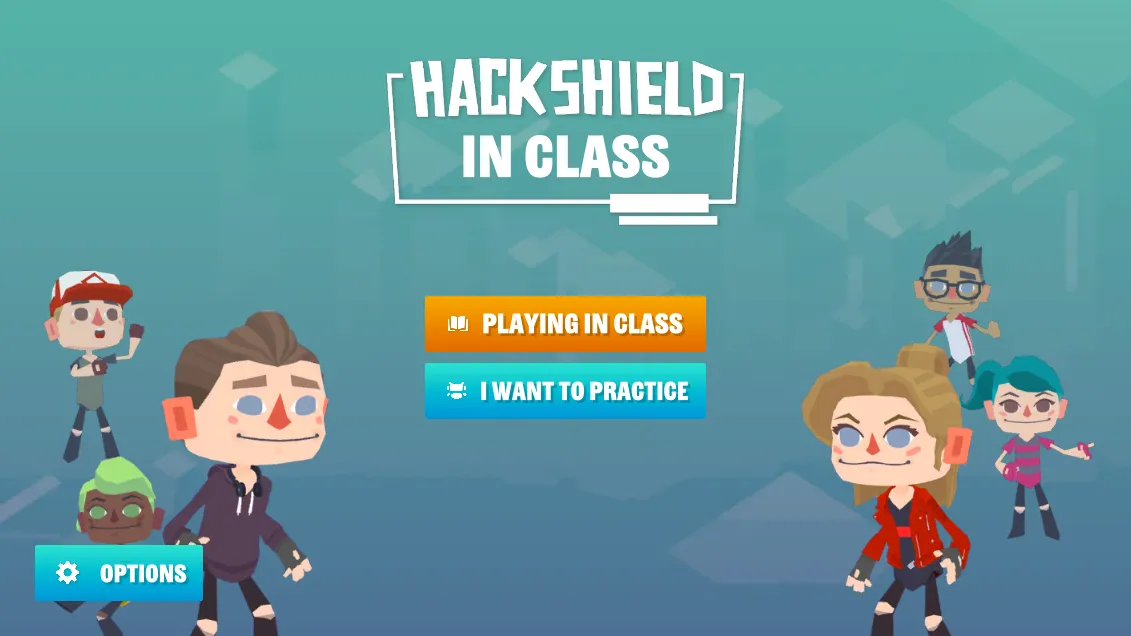
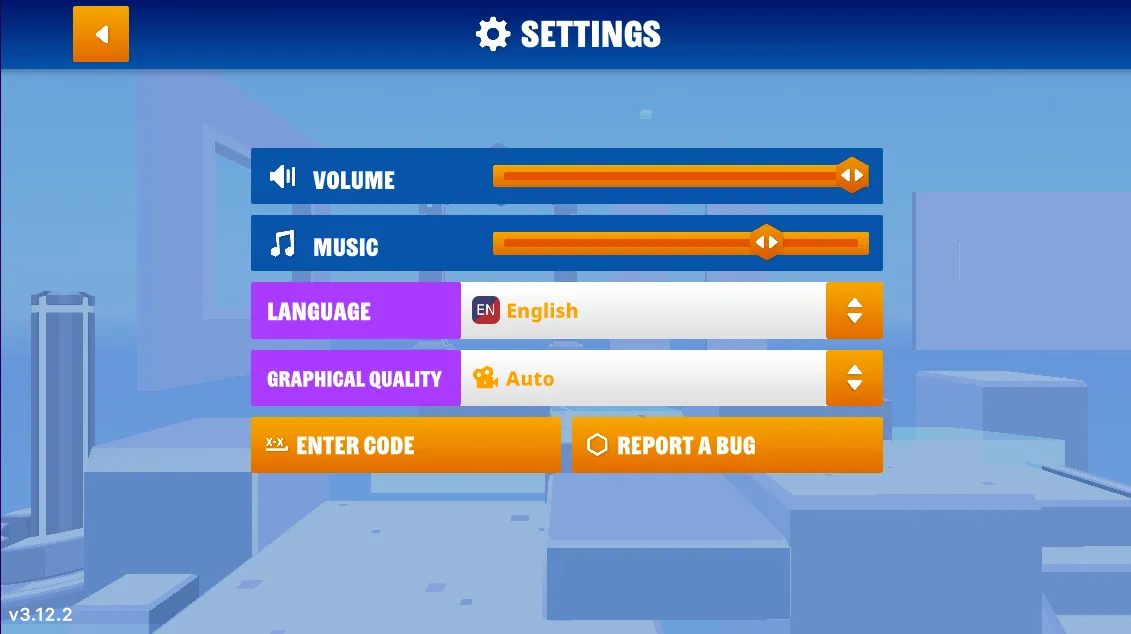
- If you prefer a silent quest, you have the option to turn off the sound. Simply navigate to the game's options menu, and you'll find the accompanying images on the right.
- Now, let's dive into the heart of our quest! Navigate to the game’s options menu where you can turn off the music.
Appendix
INFORMATION LETTER FOR PARENTS/GUARDIANS HACKSHIELD IN CLASS
Dear Parents/Guardians,
With our [school/class] we are starting HackShield in Class. Through class quests, we are teaching lessons about digital skills and citizenship. A class quest is a classroom game to be played on the interactive whiteboard in which the children learn about topics such as cyberbullying, copyright and ethical hacking. We would like to tell you more about digital literacy/citizenship, HackShield in Class and how you can contribute to it as well.
HackShield in Class
Digital citizenship is becoming increasingly important. With growing challenges such as disinformation, cyberbullying and phishing, digital skills are needed more than ever.
HackShield in Class teaches children about digital literacy and digital citizenship in a playful way. They offer a curriculum that includes:
- Free 30-45 minute lessons each covering a different cyber-safe topic
- Interactive stories that playfully deal with digitization
- Lessons that align with nationally set core objectives
- A collaboration with NTR/Schooltv
More information about HackShield in Class can be found at https://joinhackshield.com/en/indeklas.
What can you do?
In addition to the classquest, HackShield has a free individual game (with no in-app purchases and free of kid marketing) that your child can work on at home. It is a game with different levels that address cybersecurity, bringing depth to the class quests. HackShield turns your child into a true Cyber Agent. A Cyber Agent not only ensures that your child recognizes the opportunities and dangers of the online world, but also how to pass that on to those around them. Real cyber heroes in other words!
How can your child get started?
It’s easy! Go to hackshieldgame.com or download the "HackShield Future Cyber Heroes" app. Your child can then start playing right away.
Together, we'll make sure your child is well prepared for his/her digital future!
Thank you for reading this information letter.
We hope this has given you sufficient information. If you have any further questions please email [school email address].
Sincerely,
[Name of School] & Team HackShield